Scan the pages
Point your camera at the paper. Edges are found and the page is cleaned up for you. Or share a PDF to Paperline from Files, Mail or Drive. Reorder or remove pages before you send.
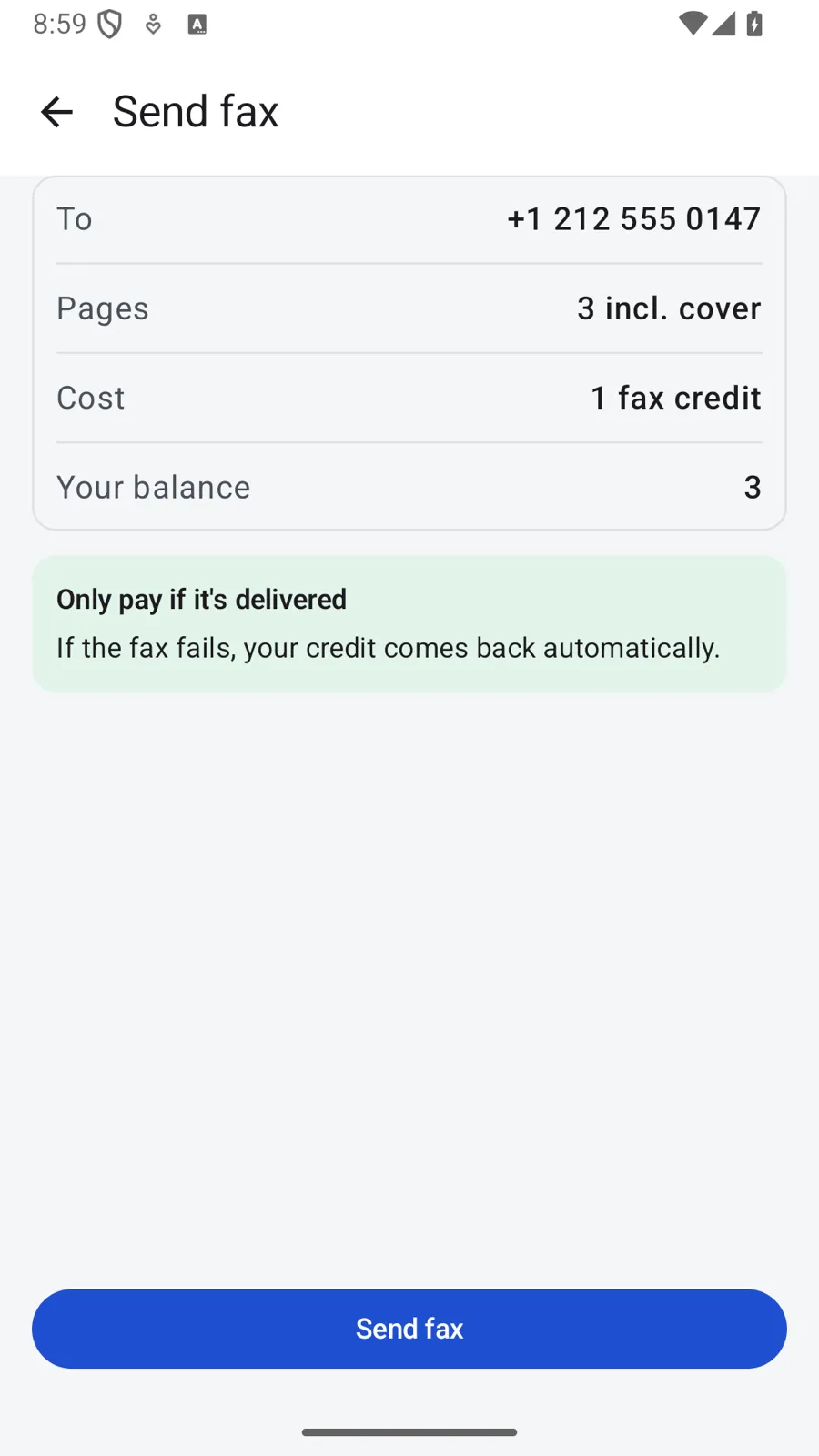
No fax machine? Scan the pages with your phone, sign them, type the fax number and send. Paperline uses a credit only when the fax gets through.
Coming soon to Google Play
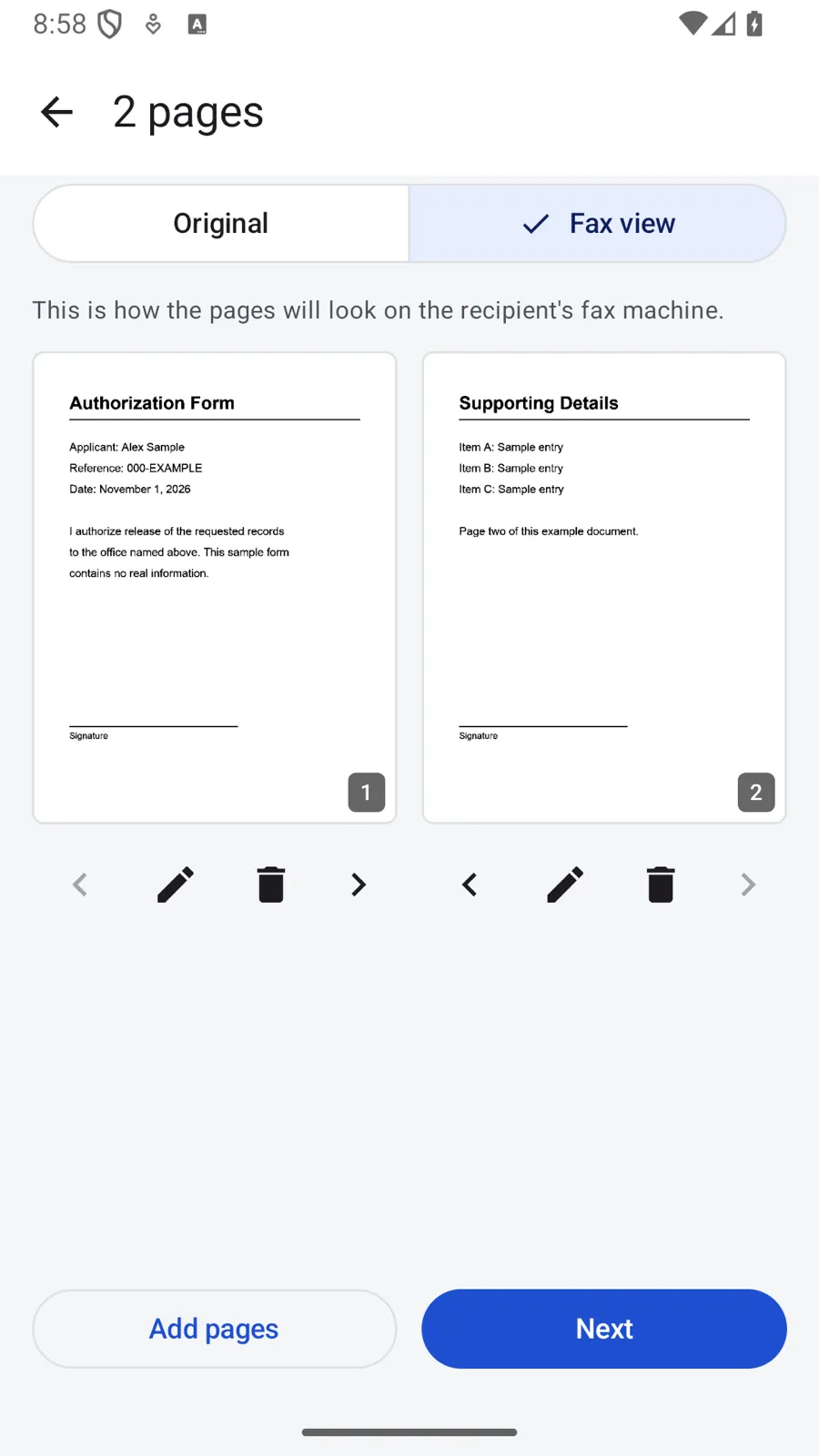
Point your camera at the paper. Edges are found and the page is cleaned up for you. Or share a PDF to Paperline from Files, Mail or Drive. Reorder or remove pages before you send.
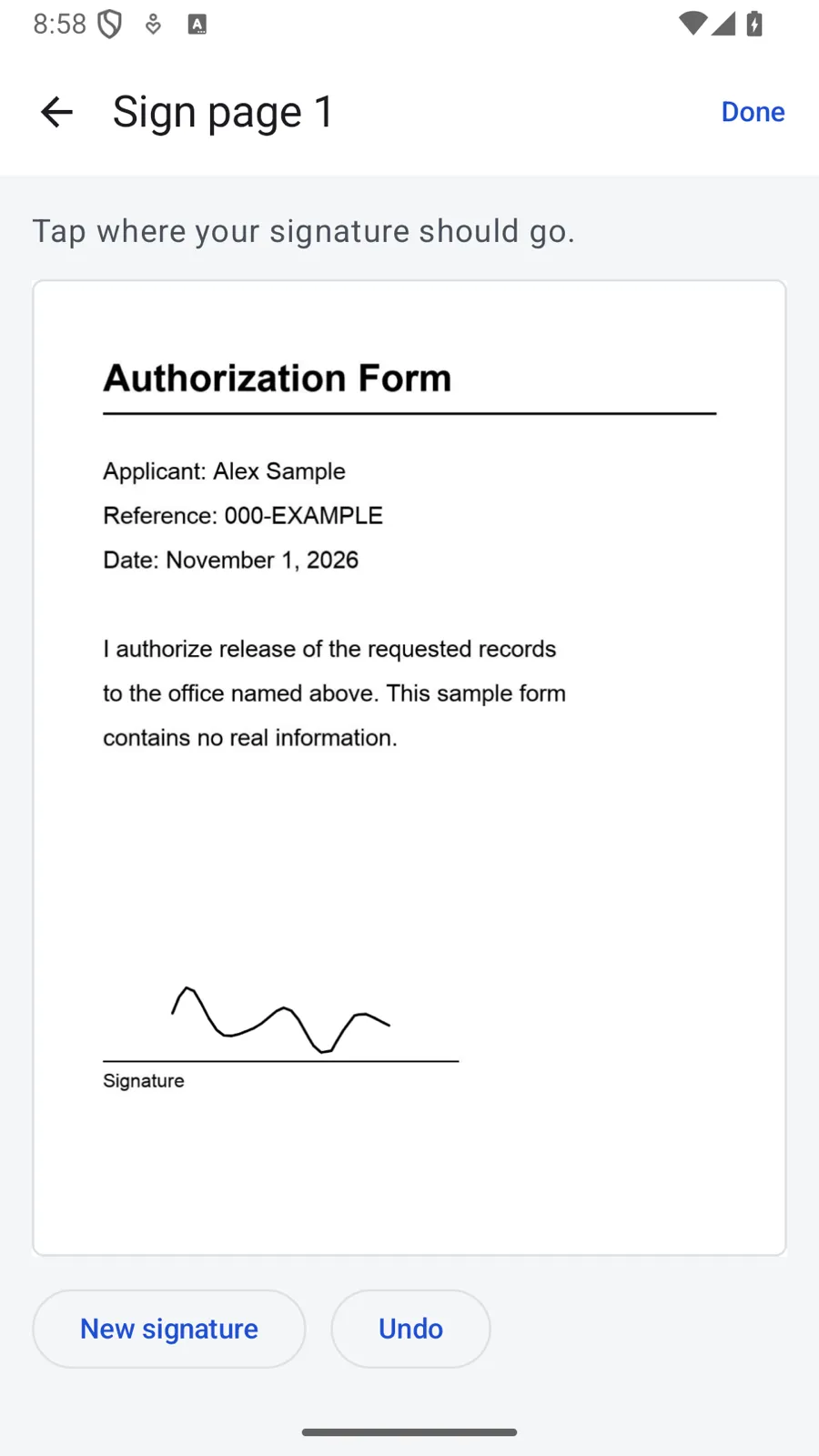
Draw your signature and place it on the page where it belongs.
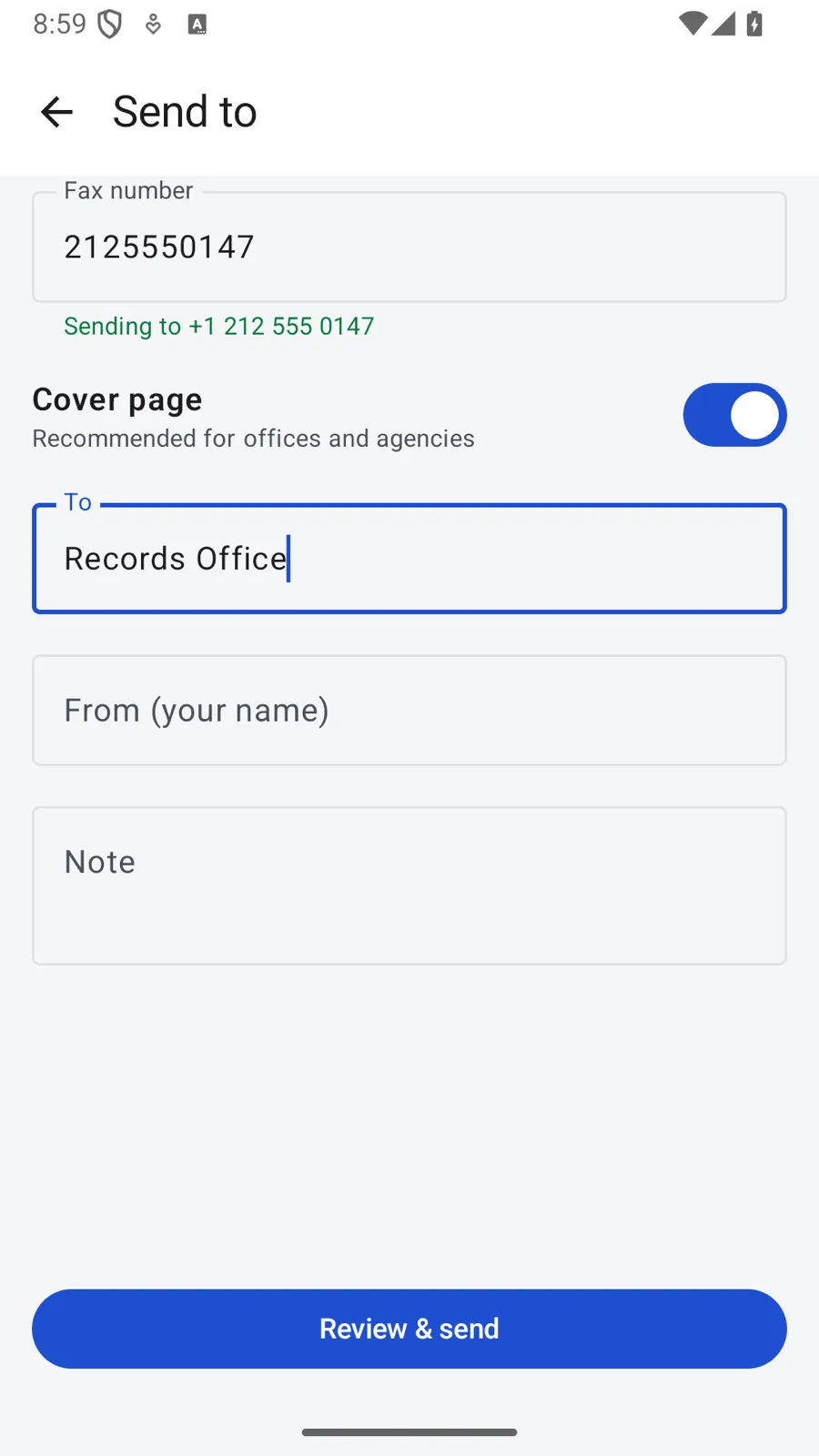
Type the fax number and add a cover page if you want one. Busy lines are tried again on their own, and you can follow each fax in the app.
Credits don’t run out and there is no monthly fee. When you press Send, one credit is held for every 10 pages. When the fax machine on the other end confirms the pages, the credit is used. If it never gets through, it is yours again, without a support ticket.
Tell us what you are trying to do and where the app gets in your way. Many features started as one email. We read and answer every message.
Write to usTo fax numbers in the US and Canada. You can send from anywhere, as long as the number you fax is in one of those two countries.
Your credit comes back. A credit is held while the fax is sending and used only if it is delivered. If the line is busy, Paperline tries again. If the fax fails or only part of it goes through, the credit is returned.
Up to 50 pages in one fax. One credit covers up to 10 pages, the cover page included.
No. There is nothing to sign up for. You buy credits in the app through Google Play when you need them.
Not yet. Paperline sends faxes only.
The document is uploaded only to be faxed, and the copy on our servers is deleted within 7 days. The [privacy page](/paperline/privacy/) has the details.
Paperline is coming to Google Play first. Want it on your iPhone? Write to [email protected] and we'll let you know when it's ready.