abc OCR

Offline OCR for Android: image to text without internet

You need the text from a photo or a document, but you have no signal, no mobile data abroad, or you do not want to upload the document. abc OCR recognizes text on your phone with Google ML Kit. It works in airplane mode.

Get it on Google Play
  • Works offline
  • No account
  • No ads
Offline OCR for Android: image to text without internet

How it works

  1. Check what is ready offline
    1

    Check what is ready offline

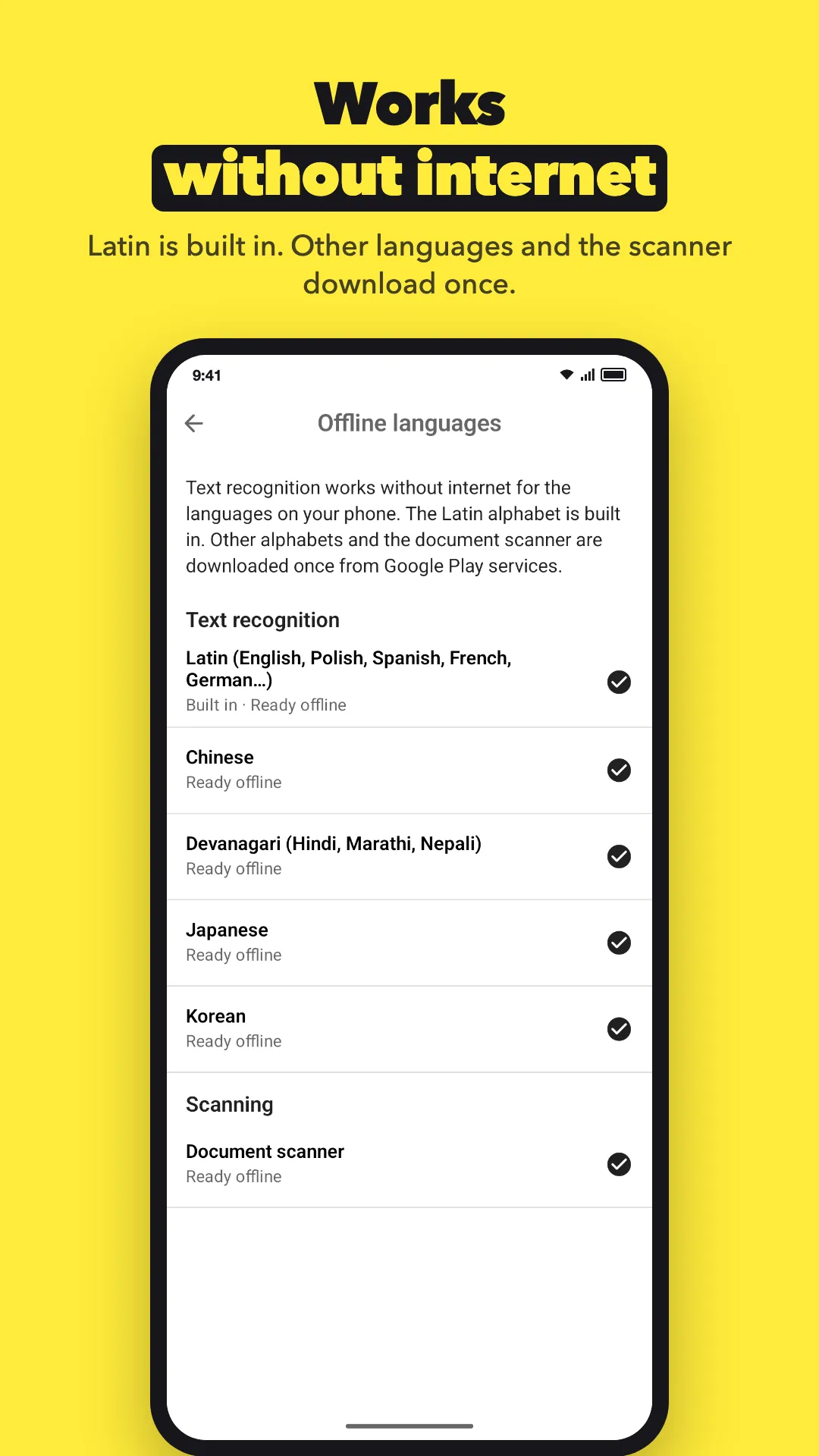
    The Latin alphabet is built in and works right after you install the app. Before a trip, open Settings › Offline languages and download Chinese, Japanese, Korean or Devanagari if you need them, and the document scanner. Each one downloads once.
  2. Scan or pick an image
    2

    Scan or pick an image

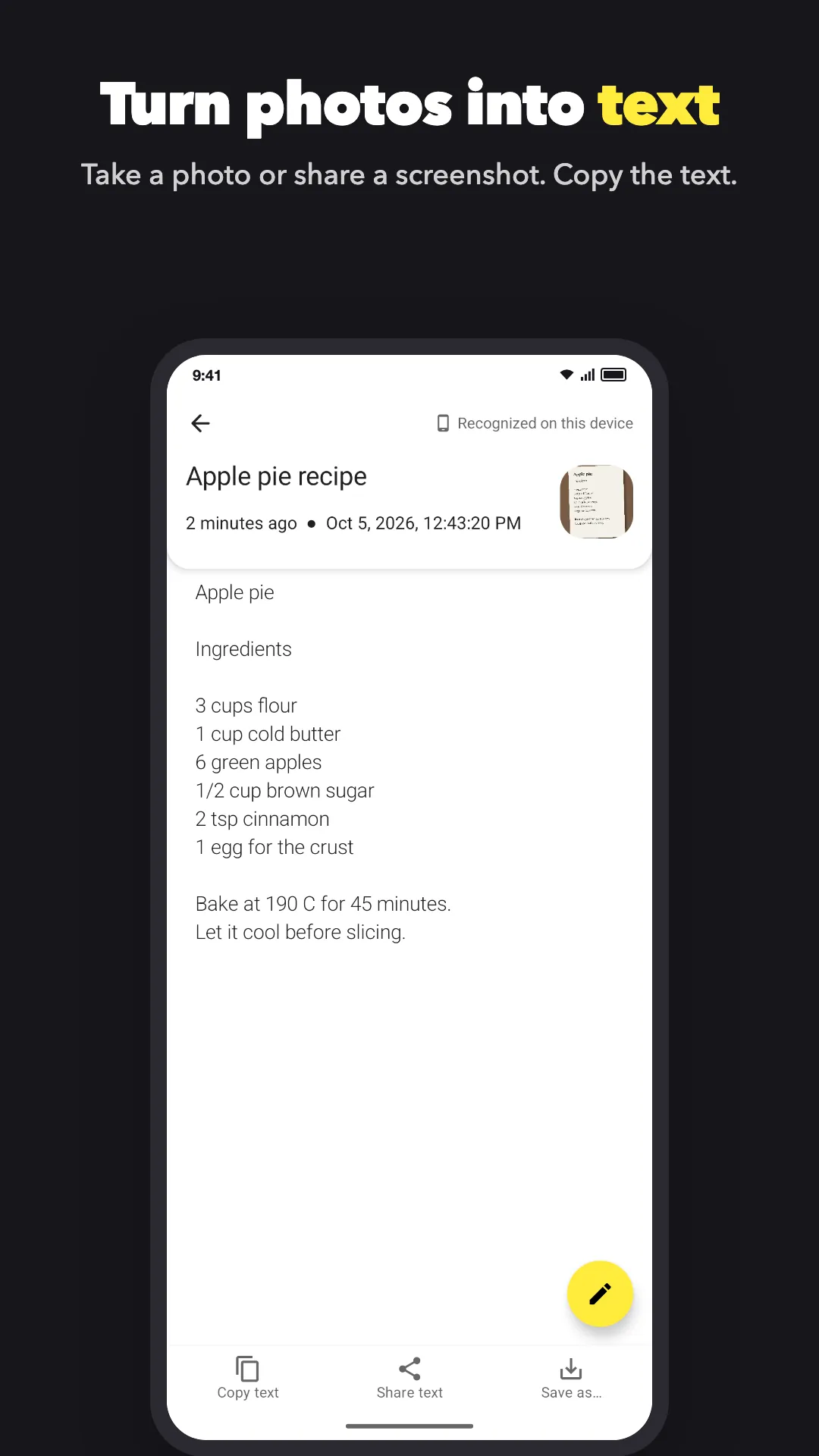
    Tap the yellow camera button to scan a document, or pick a photo or screenshot from your gallery. No connection needed.

  3. Copy, share or save
    3

    Copy, share or save

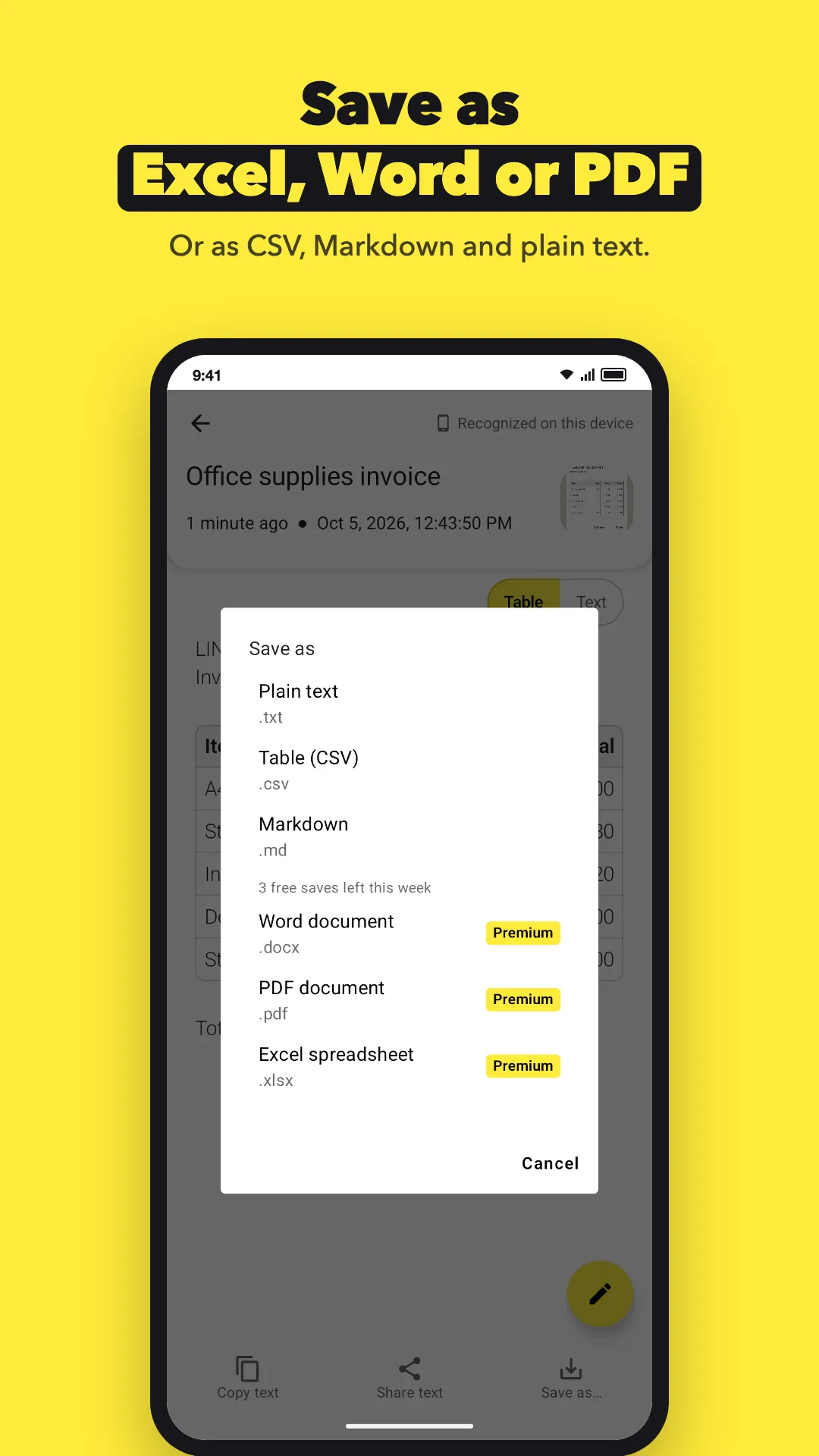
    Copy the text, share it, or save it as TXT, CSV, Markdown, DOCX, PDF or XLSX to your phone.

What do you need it for?

Tell us what you are trying to do and where the app gets in your way. Many features started as one email. We read and answer every message.

Write to us

[email protected]

Questions

Which languages work offline right after install?

Languages in the Latin alphabet: English, Spanish, French, German, Portuguese, Italian, Polish and many more.

What about Chinese, Japanese, Korean and Hindi?

They download once from Google Play services. After that, they also work offline. Devanagari covers Hindi, Marathi and Nepali.

Does the document scanner work offline?

Yes, after one download from Google Play services. The app asks for it in the background. If it is not downloaded yet, you can still take a photo or pick one from your gallery.

What still needs internet?

The downloads above, buying Premium, and the subscription check with Google Play. A subscription keeps working offline for up to 7 days after the last check. Lifetime Premium has no time limit.

Does anything leave my phone?

Your images and text are not uploaded. Google ML Kit sends Google basic diagnostics, such as the device model and error codes, but never your images or text. See the [privacy summary](privacy.md).

Does it keep tables when offline?

Yes. Rows and columns are found on your phone. See [photo of a table to Excel](table-to-excel.md).

Try it on your phone

Free to download. No account. Android 8.0 or newer.

Get it on Google Play