Open the image in abc OCR
Pick it from your gallery, share it from another app, or open it from Files with "Open with". To photograph a paper page, tap the yellow camera button.
abc OCR
The text is in a photo, a picture someone sent you, or an image of a document, and you cannot select it. abc OCR finds the text in the image on your phone. Then you copy it in one tap.
Get it on Google Play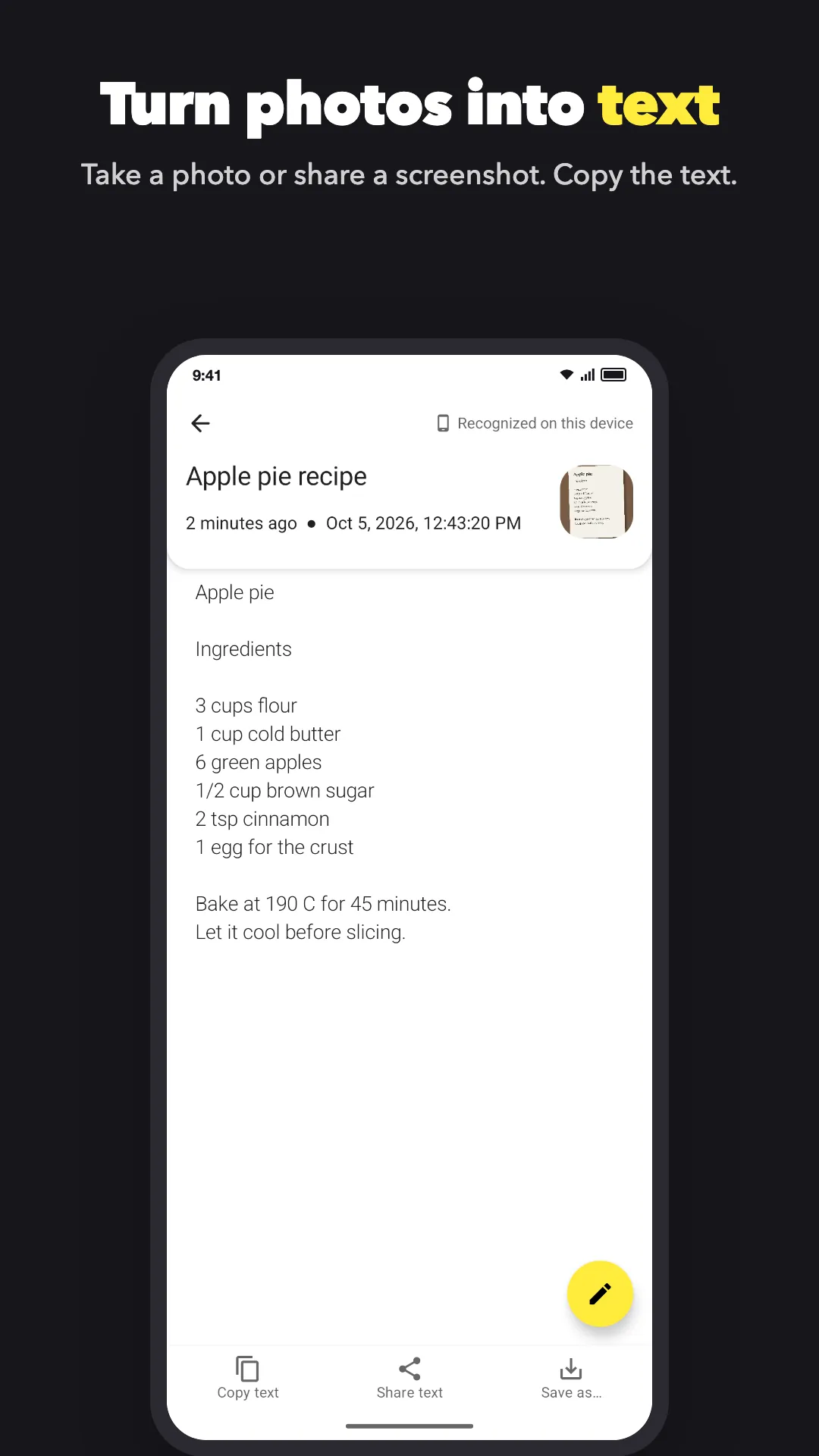
Pick it from your gallery, share it from another app, or open it from Files with "Open with". To photograph a paper page, tap the yellow camera button.
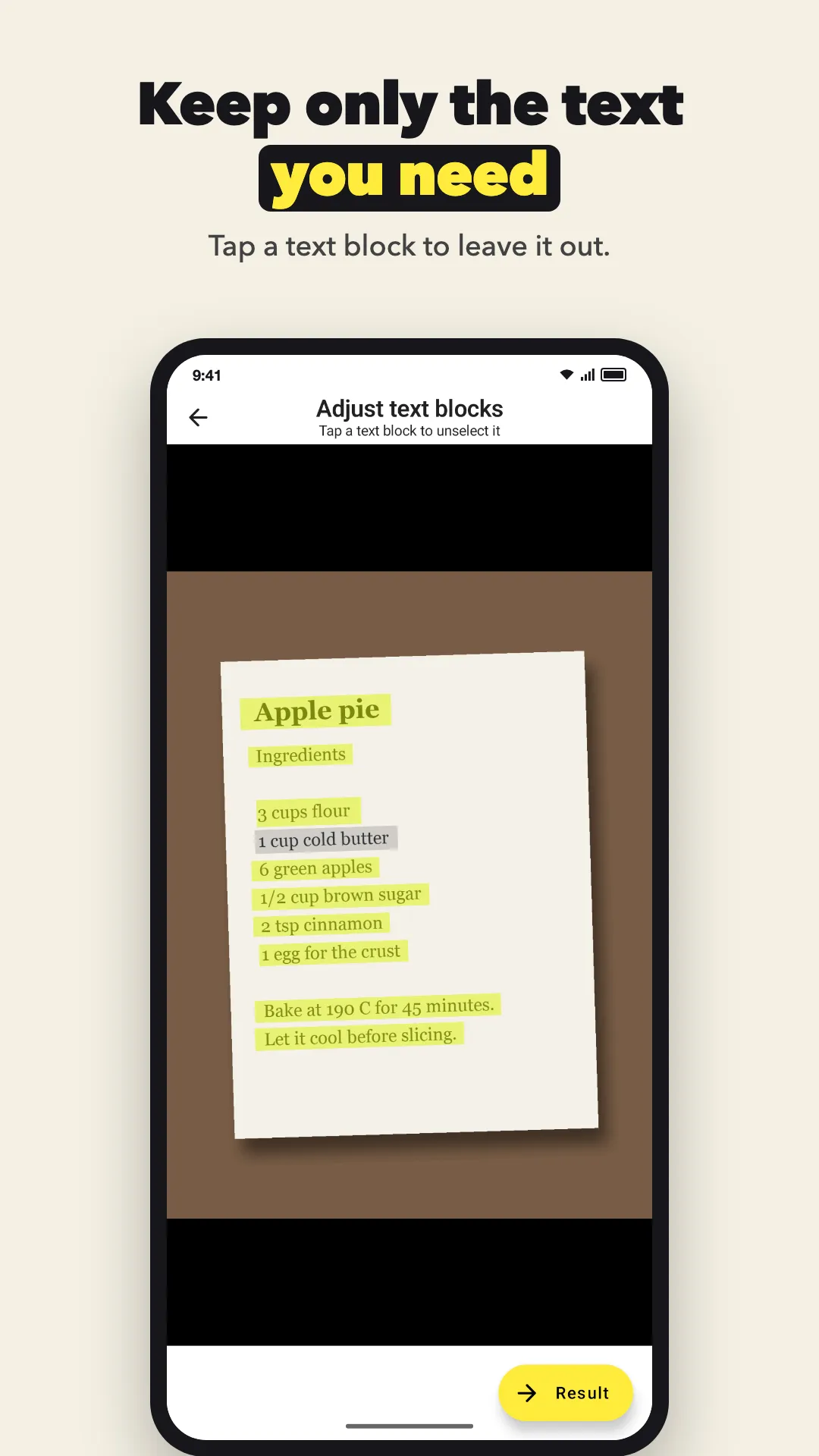
The app marks each block of text. Tap a block to leave it out.
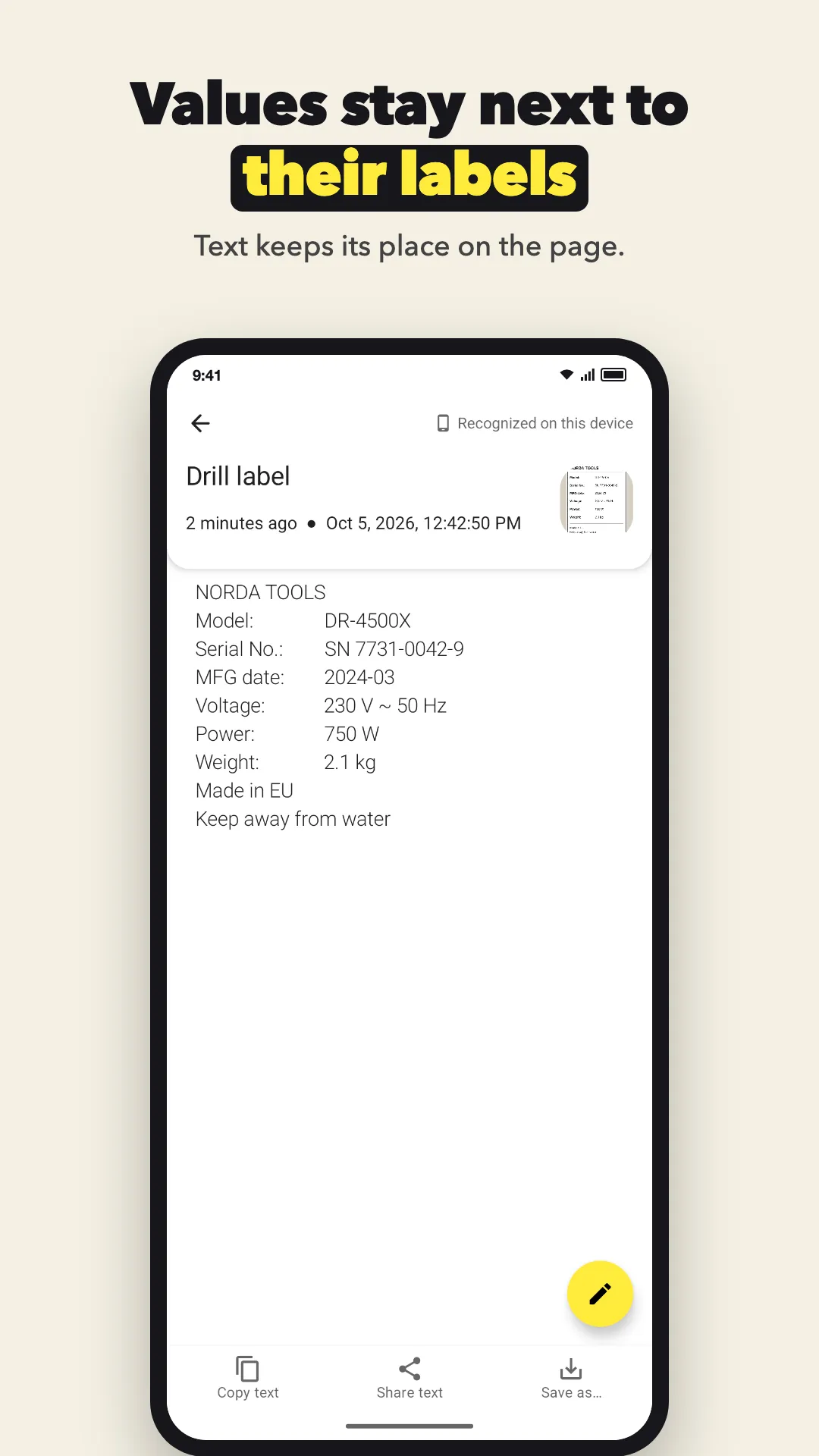
Tap "Copy text" and paste it anywhere. Text keeps its place on the page, and each value stays next to its label. Tap the pencil first if you want to change something.
OCR turns a picture of a table into rows and columns. You have a table on paper or in a picture, and you do not want to type it into a spreadsheet cell by cell. abc OCR reads the table on your phone, keeps each cell in its row and column, and saves it as a file you can open in Excel, Google Sheets or LibreOffice.
You need the text from a photo or a document, but you have no signal, no mobile data abroad, or you do not want to upload the document. abc OCR recognizes text on your phone with Google ML Kit. It works in airplane mode.
The text you need is in a screenshot, and you cannot select it. abc OCR reads the text in a screenshot on your phone, so you can copy it, edit it or share it. The whole screenshot is kept, from the top edge to the bottom edge.
You need the items and prices from a paper receipt, for an expense report or to split a bill, and typing them takes time. abc OCR reads the receipt on your phone and keeps each item on the same line as its price.
Tell us what you are trying to do and where the app gets in your way. Many features started as one email. We read and answer every message.
Write to usPhotos, screenshots and pictures from other apps, with printed or on-screen text. Sharp images with good light give better text.
80+ languages in 5 alphabets: Latin, Chinese, Devanagari, Japanese and Korean. Latin works offline right after install. The others download once.
Yes. Tap "Share text" to send it to Gmail, Keep, WhatsApp or any other app.
Yes. Each scan, with its image and text, is kept in the app's list on your phone. You can name it, edit the text, or delete it.
No. The text is read on your phone. Google ML Kit sends Google basic diagnostics, such as the device model and error codes, but never your images or text.
Free to download. No account. Android 8.0 or newer.